

Axis & Turing Outdoor
Configuration Guide
Follow the steps below to choose the right configuration for your deployment needs. This guide covers platform selection, SKU options, camera compatibility, and required accessories.
Required Firmware
All Axis cameras must run the Long-Term Support (LTS) track for compatibility, security, and stability.
License Required
TV-ACAI-3YTuring Axis Cloud & AI License — purchased per camera channel.
Step 1
Choose Your Platform
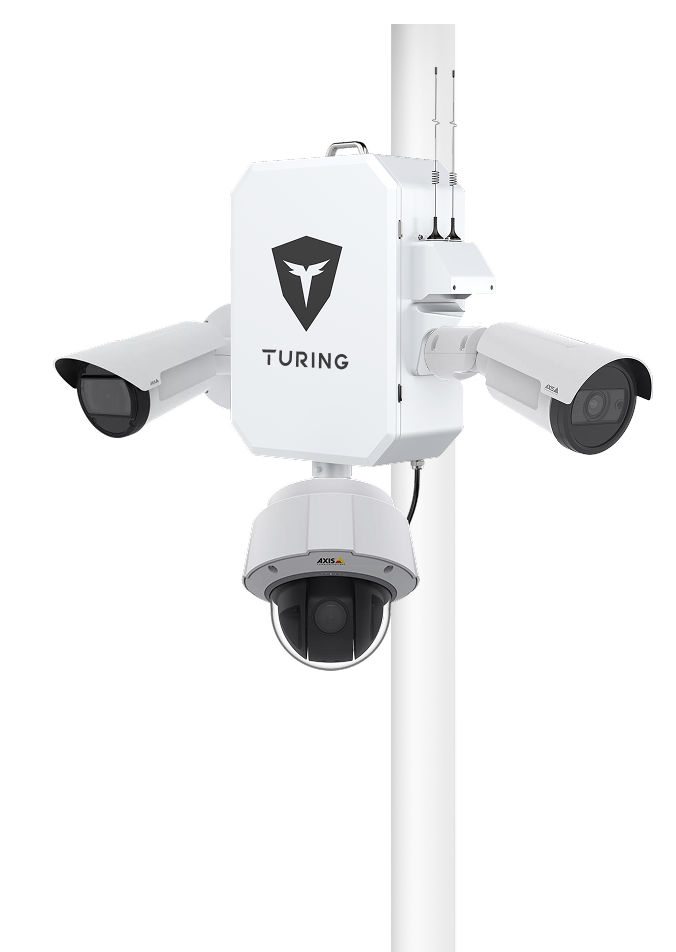
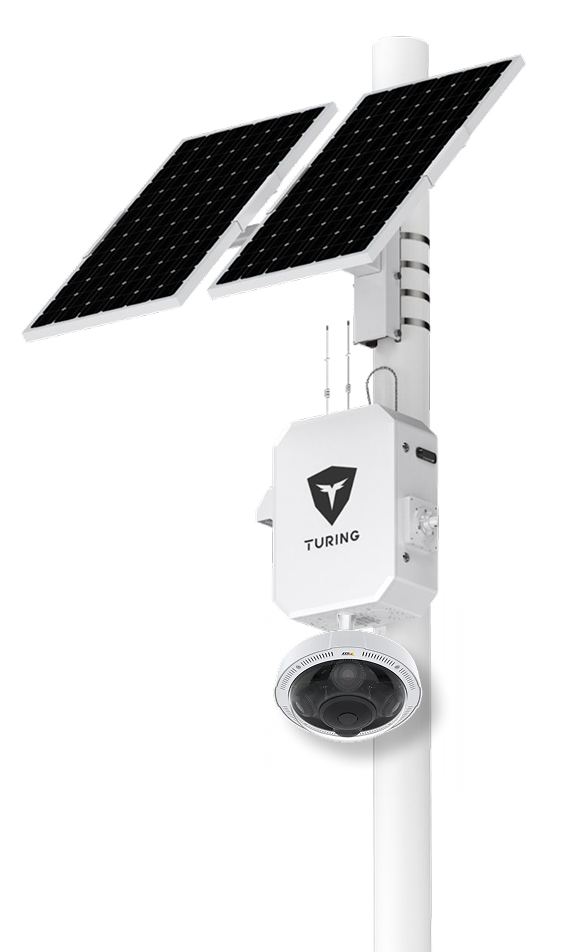
Both SiteShield and SolarShield offer 5G connectivity, enabling remote access and live monitoring from anywhere. Choose based on your power availability and camera count requirements.
SiteShield
AC-Powered All-in-One Remote Solution
SolarShield
Solar-Powered All-in-One Remote Solution
Step 2
Choose Your SKU
Select the package SKU that matches your camera channel count and deployment type. Each SKU comes with a 3-year system warranty and includes the corresponding ACAI licenses.
Note: Axis cameras are not included in any SKU and must be purchased separately. System warranty excludes Axis camera hardware.
SiteShield Options
| SKU | System Warranty | Axis Cameras Supported | ACAI License Included |
|---|---|---|---|
SS-KG1-B2A-3Y | 3 Years | Up to 2 Channels | 2× TV-ACAI-3Y |
SS-KG1-B3A-3Y | 3 Years | Up to 3 Channels | 3× TV-ACAI-3Y |
SS-KG1-B4A-3Y | 3 Years | Up to 4 Channels | 4× TV-ACAI-3Y |
SS-KG1-B1ALP-3Y | 3 Years | 1 LPR Camera | TV-ACAI-PREMLPR1Y |
SolarShield Options
| SKU | System Warranty | Axis Cameras Supported | ACAI License Included | Battery | Solar Panels |
|---|---|---|---|---|---|
LS-KG2-ONEMA-3Y-5G | 3 Years | Up to 1 Standard Axis Camera | 1× TV-ACAI3Y | 1× 12v 26AH Lithium | 1× 90W Panel |
LS-KG2-B2A-3Y-5G | 3 Years | Up to 2 Standard Axis Cameras or 1 Specialty Camera | 2× TV-ACAI3Y | 3× 12v 26AH Lithium | 2× 90W Panels |
LS-KG2-B4A-3Y-5G | 3 Years | 1 Multisensor Camera | 4× TV-ACAI3Y | 3× 12v 26AH Lithium | 2× 90W Panels |
LS-KG2-ONEMALP-3Y-5G | 3 Years | 1 P1465 LPR Camera | 1× TV-ACAI-PREMLPR3Y | 2× 12v 26AH Lithium | 2× 90W Panels |
⚡ SolarShield Power Notes
• Supports up to 2 Standard Axis cameras via PoE — max 15W total camera power consumption.
• Specialty cameras (e.g., multisensor) are limited to one per SolarShield unit due to higher power draw.
Step 3
Choose Axis Cameras & Accessories
Certain Axis cameras can be mounted directly onto SiteShield or SolarShield units using supported accessories. Verify your camera's mounting options below and ensure all required accessories are included in your installation plan.
Mounting Tip
In some cases, additional Axis mounting accessories are required. Please refer to the Axis camera mounting guide to verify if your selected camera can be installed directly or with assistance. Ensure mounting kits and brackets are included in your installation plan.
| Type | Camera Model | Mounting Options | Axis Accessories | Turing Accessories |
|---|---|---|---|---|
| Bullet | 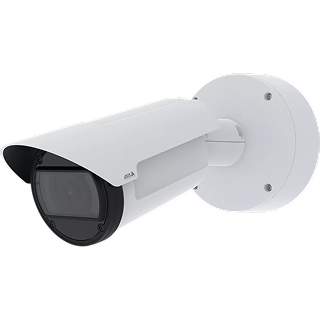 AXIS Q18 Series AXIS Q18 Series | Side Mount | — | 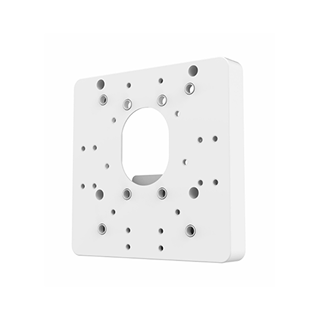 TA-AXSIDEBRSide Mount |
| Bullet | 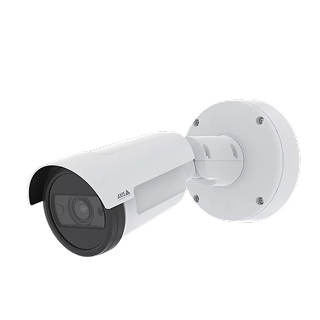 AXIS P14 Series AXIS P14 Series | Side Mount, Bottom Mount | — | TA-AXSIDEBRSide Mount 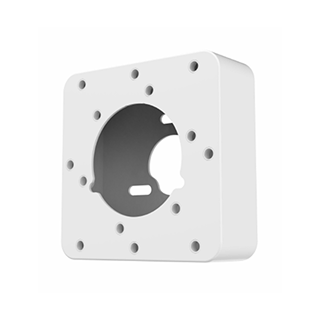 TA-AXBOTMBRBottom Mount |
| Box | 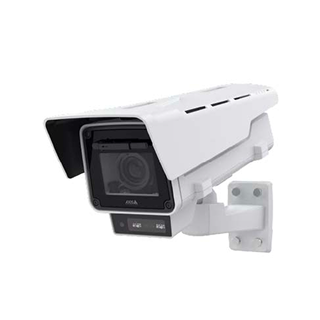 AXIS Q16 Series AXIS Q16 Series | Side Mount | TQ1003-E | TA-AXSIDEBRSide Mount |
| Box | 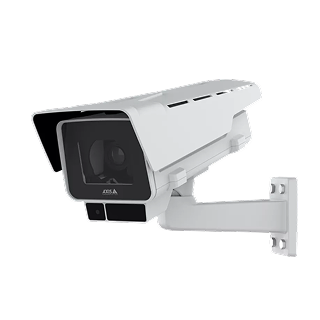 AXIS P13 Series AXIS P13 Series | Side Mount | TQ1003-E | TA-AXSIDEBRSide Mount |
| Dome | 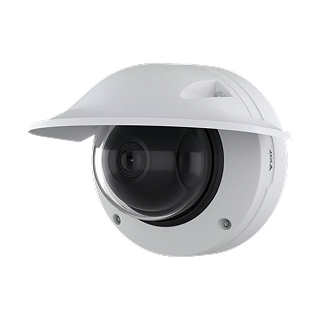 AXIS Q36 Series AXIS Q36 Series | Side Mount | — | TA-AXSIDEBRSide Mount |
| PTZ | 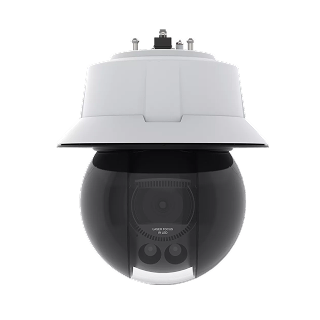 AXIS Q60/Q61/Q63 Series AXIS Q60/Q61/Q63 Series | Central Bottom Mount | T94A01D | 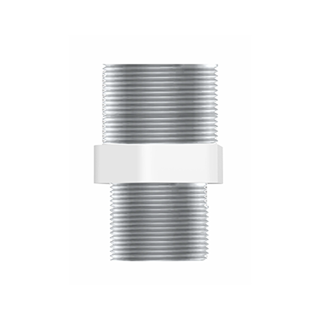 TA-AXPTZBRPTZ Mount |
| PTZ | 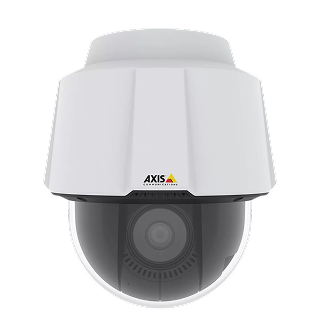 AXIS P56 Series AXIS P56 Series | Central Bottom Mount | T94A01D | TA-AXPTZBRPTZ Mount |
| PTZ | 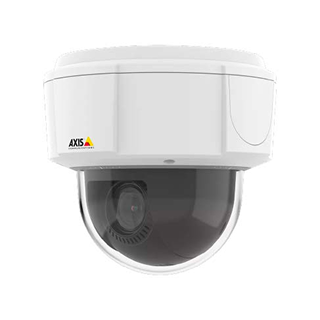 AXIS M55 Series AXIS M55 Series | Side Mount | TQ5001-E | TA-AXSIDEBRSide Mount |
| MultiSensor | 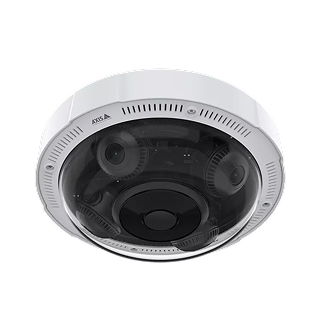 AXIS P37 Series AXIS P37 Series | Central Bottom Mount | T94N01D | TA-AXPTZBRPTZ Mount |
Reference
Turing Accessories Sheet
Use this reference table to determine how many Turing mounting accessories are required for each SKU configuration.
TA-AXSIDEBRSide Bracket
Mounts bullet/box/dome cameras to the side of the unit
TA-AXBOTMBRBottom Bracket
Mounts cameras to the bottom of the unit
TA-AXPTZBRPTZ Bracket
Central bottom mount for PTZ & multisensor cameras
SiteShield Accessories
| SKU | TA-AXSIDEBRSide Bracket | TA-AXBOTMBRBottom Bracket | TA-AXPTZBRPTZ Bracket |
|---|---|---|---|
SS-KG1-B2A-3Y | 2 | 1 | — |
SS-KG1-B3A-3Y | 2 | 1 | 1 |
SS-KG1-B4A-3Y | 2 | 2 | 1 |
SS-KG1-B1ALP-3Y | 1 | 1 | — |
SolarShield Accessories
| SKU | TA-AXSIDEBRSide Bracket | TA-AXBOTMBRBottom Bracket | TA-AXPTZBRPTZ Bracket |
|---|---|---|---|
LS-KG2-ONEMA-3Y | — | 1 | — |
LS-KG2-B2A-3Y | 2 | 1 | — |
LS-KG2-B4A-3Y | — | — | 1 |
LS-KG2-ONEMALP-3Y | — | 1 | — |